MaxWin App & Mobile

MaxWin Casino App 📱 Download for Android, iOS & Windows

Download the MaxWin Casino app on Android, iOS or Windows and get 200 welcome points just for installing it. Same casino, same account, in your pocket. 📱

Unlike many online casinos that only offer a mobile-friendly web version, MaxWin Casino has dedicated apps for Android, iOS and Windows, with an extra incentive: installing the app usually earns you 200 extra MaxWin Points for your account. 📲 This guide explains exactly where and how to download the MaxWin app for your device, what to expect in terms of data usage, how playing in the app compares (or doesn't) to the browser, and why you should always download it only from MaxWin's official site.

🤖 Android app🍎 iOS app🖥️ Windows app🎁 200 points for installing🔗 Same account as on the web
PlatformHow to play on MaxWin
AndroidDownload the installer from MaxWin's official site and follow the on-screen steps
iPhone / iPad (iOS)Follow the iOS install link or add the site to your home screen
Windows (desktop)Download and install the desktop application from the official site
Desktop browserPlay directly with no install, using the same account
Install bonus200 extra MaxWin Points once the app install is complete
Account & balanceShared across all devices — log in with the same details

How to install MaxWin on Android

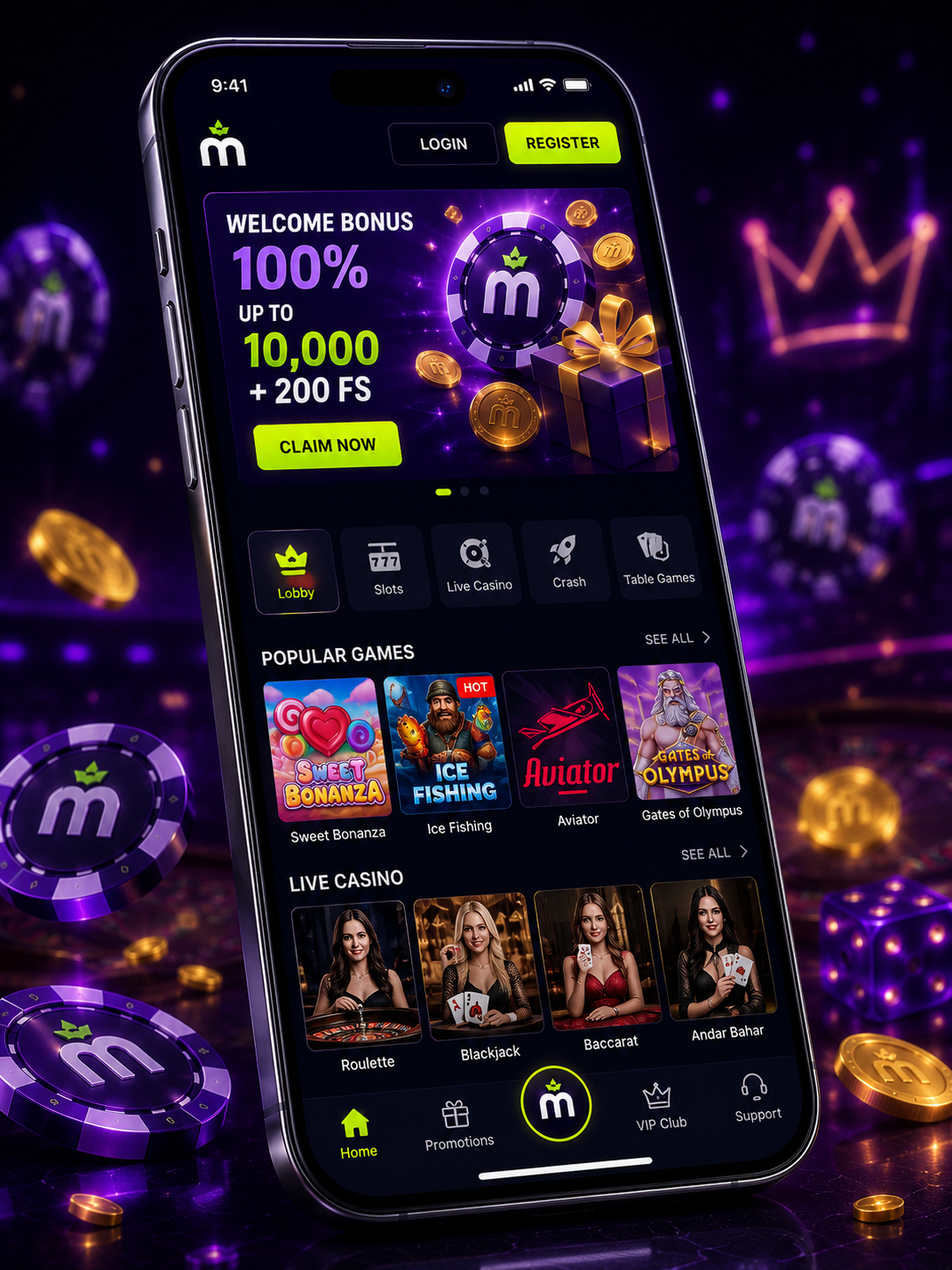
Illustration of a phone showing the MaxWin Casino mobile app interface
  1. Open MaxWin Casino's official site from your Android browser.
  2. Find the app download option and download the installer file.
  3. Allow installation from the indicated source if your device prompts you.
  4. Open the app, log in with your account and claim your 200 install points.

How to play MaxWin on iPhone and Windows

  1. On iOS, follow MaxWin's specific iPhone install link, or add the site to your home screen.
  2. On Windows, download the desktop installer from MaxWin's official site.
  3. Install following the on-screen instructions and open the app or program.
  4. Log in with your usual account — balance and history are the same everywhere.

Whether on iPhone or Windows, your MaxWin account doesn't change — you can switch between browser and app without losing balance, active bonuses or play history.

Ready to play from your phone? 📱

Log in or sign up — your account works the same in the app and on desktop.

What works in the MaxWin app

The app mirrors the full web experience with no cutbacks: the complete slots and live casino library, jackpots, sports betting, deposits and withdrawals, plus your active bonus offers, all available from your device. For day-to-day play, you're not missing out on any major feature by using the app instead of the browser.

  • Full slots library, including Bonus Buy titles.
  • Live casino tables with the same video streaming as on desktop.
  • Full sports betting, using the same account and balance.
  • Current bonus offers and your active promotions.

App vs. browser: what changes

Functionally it's the same account and the same games — the differences are mostly about screen space and ease of access. The app tends to open faster thanks to the home-screen icon, while the browser can be more comfortable if you're setting up a new payment method or reading a bonus's terms at leisure on a bigger screen. For everyday play, both options cover exactly the same ground.

Why you should only install from MaxWin's official site

With so many casinos offering installable apps directly from their own site, it's common to find third-party pages also advertising "download MaxWin app." Installing a file from a source you can't verify means granting your device permissions outside any review process, which is a real way for malware to reach an Android phone. The official app (or the site in your browser) gives you the same games, bonuses and account access without that risk — always download from MaxWin Casino's official site and be wary of any install link that arrives via an unsolicited message or ad. ⚠️

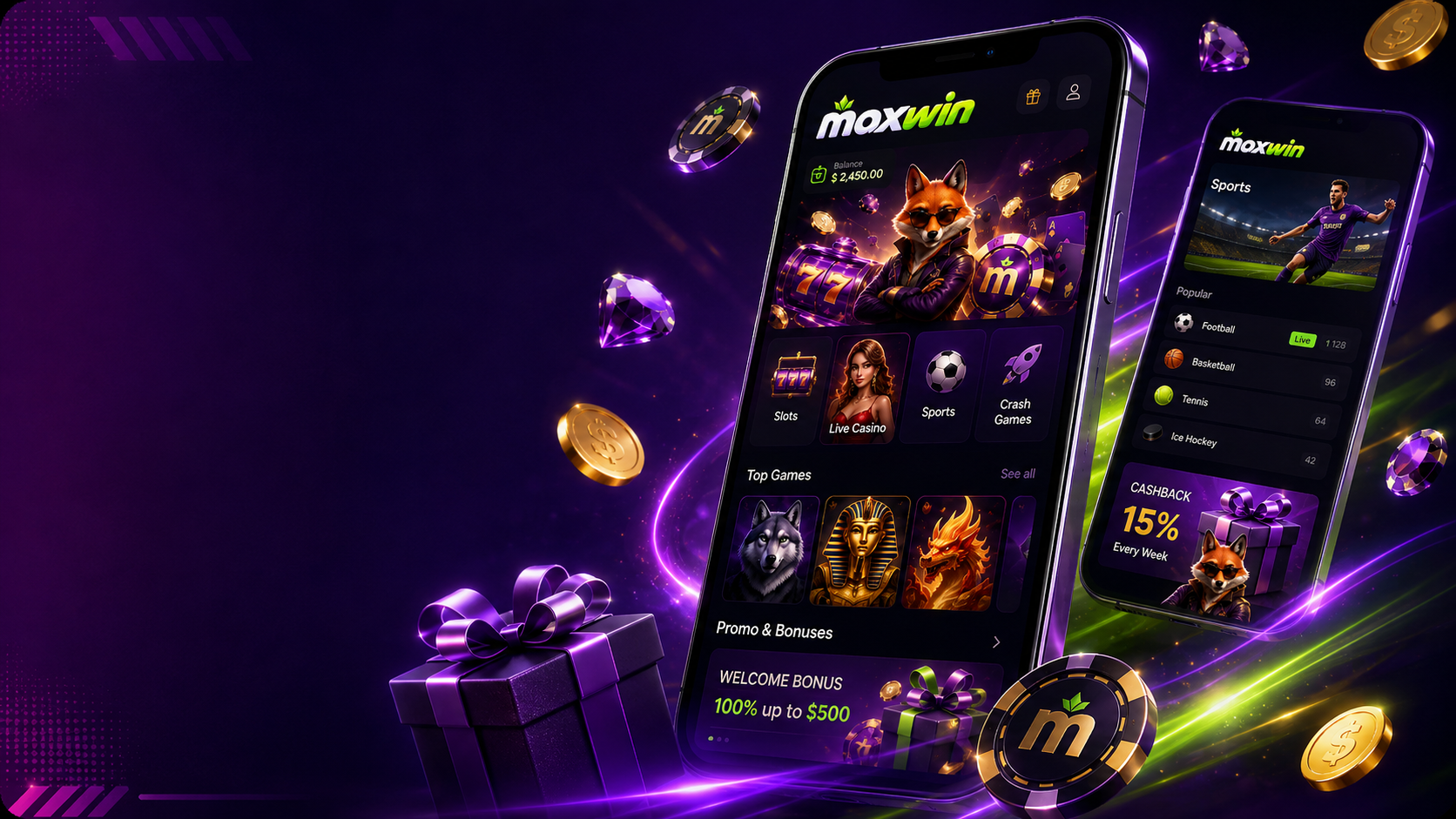
MaxWin Casino App — Frequently Asked Questions

Does MaxWin Casino have an Android or iOS app?

Yes, MaxWin offers a dedicated app for both Android and iOS, plus a Windows desktop version, for players who'd rather install the platform than play through a browser.

How do I download the MaxWin app on my phone?

On Android, it's normally downloaded directly from MaxWin's official site as an installable file, since real-money casino apps typically face restrictions on Google Play. On iPhone, installation may involve adding the site to your home screen or following the specific iOS download link MaxWin provides. Always follow the official instructions published on MaxWin's own site.

Do I get anything for installing the MaxWin app?

Yes, MaxWin typically rewards app installation with an extra 200 MaxWin Points, which you can later redeem as part of the platform's loyalty program. Exact terms for this promotion can change over time.

Is playing on the MaxWin app the same as in a browser?

Yes — it's the same account, the same games library and the same bonuses, just installed as an app instead of opening in a browser tab. Everything you can do on the web version (deposit, play, withdraw, check bonuses) is also available in the app.

Does MaxWin have a Windows desktop version?

Yes, alongside the mobile apps, MaxWin offers an installable Windows application for players who'd rather have the platform as a desktop program instead of a browser shortcut.

Is it safe to install the MaxWin app from outside an official store?

Only ever download the app from MaxWin Casino's official site — never from third-party links, ads or unsolicited messages. Installing a file from an unverified source claiming to be 'the MaxWin app' is a common way malware reaches Android devices.

Do I need Wi-Fi to play on the MaxWin app?

No, a stable mobile data connection works fine, though live casino and streamed sports events use more data than slots. If you're on a limited data plan, prioritise Wi-Fi for longer live casino sessions.

Does the MaxWin app cover both casino and sports betting?

Yes, the app includes the full slots and live casino library as well as the sports betting section, all under the same account — you don't need a separate app to bet on sports.

How much storage does the MaxWin app take up?

The exact size varies by device and version, but like most casino apps it's reasonably light compared with traditional mobile games. Check the available storage on your device before installing if space is limited.

Do I get bonus notifications on the MaxWin app?

The app can send push notifications about promotions, bet results and account updates if you accept the relevant permissions during installation. You can adjust these preferences from your device settings at any time.

Play within your limits. This is an independent information site about MaxWin Casino and is not operated by MaxWin. Install the MaxWin app only from its official site, and avoid links sent via unsolicited messages or ads. Online casino games are real-money games of chance — set a deposit and time limit before you start. If gambling stops being fun, seek professional help or contact your local health services. 18+.